Logistics
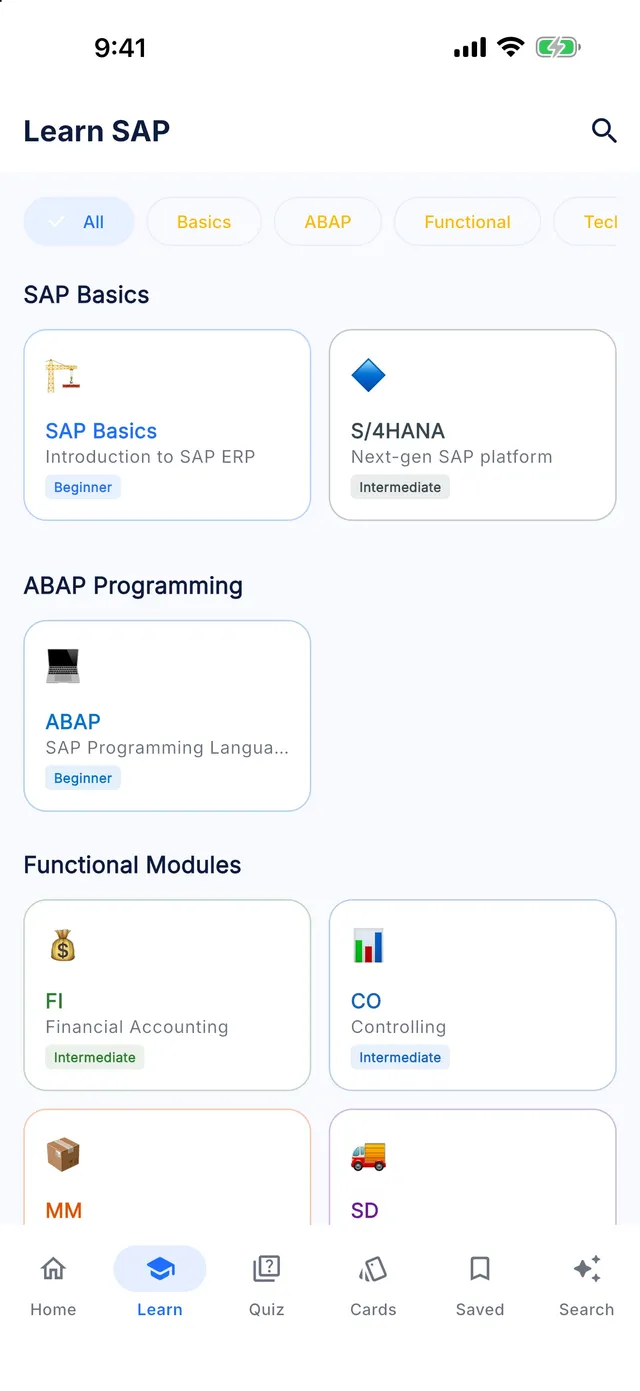
Learn SAP SD offline
Master SAP Sales & Distribution — covering sales document flows, customer master, pricing procedures, shipping, delivery, and billing cycles.
- 35 lessons
- 15 chapters
- 5 levels
- ~5 h of study
- 175 quiz questions
- 105 interview questions
Syllabus
What you will learn in SAP SD
01Enterprise Structure
- Define Sales Org, Distribution Channel & Division
- Sales Area & Office Assignment
02Customer Master & Business Partner
- Customer Master Structure
- CVI Business Partner Setup for Customer
03Partner Determination
- Partner Functions & Relationships
- Partner Determination Procedure Setup
04Sales Documents
- Sales Document Types Configuration
- Item Categories & Schedule Line Categories
05Inquiry & Quotation
- Inquiry Process & Processing
- Quotation Process & Flow
06Sales Orders
- Sales Order Processing VA01
- Copy Control Settings
- Incompletion Procedures & Incompletion Log
- Third-Party Orders & Individual Purchase Orders
07Pricing Procedure Configuration
- Pricing Procedure & Condition Types
- VK11 Condition Records Maintenance
08Availability Check (ATP)
- Availability Check (ATP) Configuration
- Transfer of Requirements Configuration
09Outbound Delivery
- Outbound Delivery Processing VL01N
- Delivery Document Types
- Route Determination & Transportation Zones
10Picking, Packing & PGI
- Picking Procedures & Storage Locations
- Packing & Post Goods Issue (PGI)
11Shipment & Transportation
- Transportation Planning & Shipments
- Shipment Cost Calculation
12Billing & Account Determination
- Billing Document Processing VF01
- Revenue Account Determination VKOA
- Intercompany Sales & Billing
- Rebates with Settlement Management (Condition Contracts)
13Credit Management
- S/4HANA Credit Management FSCM
- Credit Limits & Credit Holds
14Output Determination & Returns
- Message Output Determination Procedure
- Returns, Complaints & Credit Memos
15Production Support & Real Projects
- SD Live Support Scenarios
- Real SD Sales Project Implementation
Free sample
Try a lesson: Define Sales Org, Distribution Channel & Division
Define sales organizations, distribution channels and divisions in the IMG, link each sales organization to a company code, and choose a structure that reporting and pricing can live with.
You will be able to
- Explain what a sales organization, a distribution channel and a division represent in SAP SD
- Define each unit in the IMG under Enterprise Structure → Definition and name the table that stores it
- Assign a sales organization to exactly one company code and explain why the link matters for billing
- Decide how many sales organizations, channels and divisions a company really needs
Key concepts
- Sales organization
- The organizational unit legally responsible for sales, liable for products and customer claims. It is assigned to exactly one company code, which receives its revenue postings.
- Distribution channel
- The route through which products or services reach customers, such as wholesale or online. It is defined once per client and then allowed for specific sales organizations.
- Division
- A product line used to group materials and to agree customer-specific terms per product line. Each material belongs to one division.
Real business example
A pump manufacturer has two legal entities, one in Germany and one in Austria. It sells through dealers and directly to industrial customers, and its range covers new pumps, spare parts and field service. The sales director first asked for one sales organization per region and per product line, which would have meant twelve sales organizations.
The consultant created one sales organization per legal entity (1000 Germany, 2000 Austria), each assigned to its own company code with OVX3. Dealers and direct customers became distribution channels 10 and 20, because they have different prices and order types. Pumps, spare parts and service became divisions 10, 20 and 30, since payment terms differ per product line. Regions were later covered by sales offices, keeping master data manageable.
Quick quiz
In which IMG folder do you define a division?
Show answer
B. Enterprise Structure → Definition → Logistics - General
The division is defined under Logistics - General because materials and other logistics components use it, not only SD. The Sales and Distribution definition folder holds the sales organization and distribution channel, which is why it is the tempting wrong answer.
Interview question
Explain the difference between a sales organization, a distribution channel and a division.
Show model answer
The sales organization is the selling unit that is legally responsible for the sale. It is liable for the products, has its own address and currency, and is assigned to one company code, so its billing documents post revenue there. The distribution channel describes how goods reach the customer, for example wholesale, retail or online, and lets you use different prices, document types and plants per route. The division groups materials into product lines; each material has one division, and terms such as payment conditions or pricing can differ per division. Together the three form the sales area, which every customer sales record, condition record and sales document refers to.
That was 1 of 35 lessons. Get the rest in the app.
Preparing for C_TS462?
SAP Certified - Implementation Consultant for SAP S/4HANA Cloud Private Edition, Sales. Covers the SAP S/4HANA Sales profile: business partners, sales documents, pricing, delivery and billing. Relevant for SAP S/4HANA Cloud Private Edition and on-premise. The Certification Center in the app maps the exam topics to the lessons that cover them.
T-codes
Key SAP SD T-codes
SAP SD: common questions
How long does it take to learn SAP SD?
The SAP SD module in Learn SAP has 35 lessons totalling about 5 hours of reading. At two or three lessons a day, most learners finish it in four to eight weeks, plus time for hands-on practice in a real system.
Can a beginner learn SAP SD?
Yes. The module starts at beginner level and builds up over 5 levels (15 intermediate, 15 advanced, 5 beginner lessons). Each lesson explains the concept, shows a real business example and ends with a quiz.
Is the SAP SD course free?
The free version of Learn SAP includes the first half of the levels in every module, including SAP SD. Premium unlocks every level, the Interview and Certification Centers and the full T-code and table libraries.
Does the SAP SD module work offline?
Yes. Every lesson, quiz and reference table is stored on your phone, so you can study without an internet connection.
Keep going
More SAP modules
Learn SAP is an independent educational app. It is not affiliated with, endorsed by or sponsored by SAP SE, and it is not official SAP training. SAP, S/4HANA, Fiori, ABAP and other SAP product names are trademarks or registered trademarks of SAP SE in Germany and other countries.