Logistics
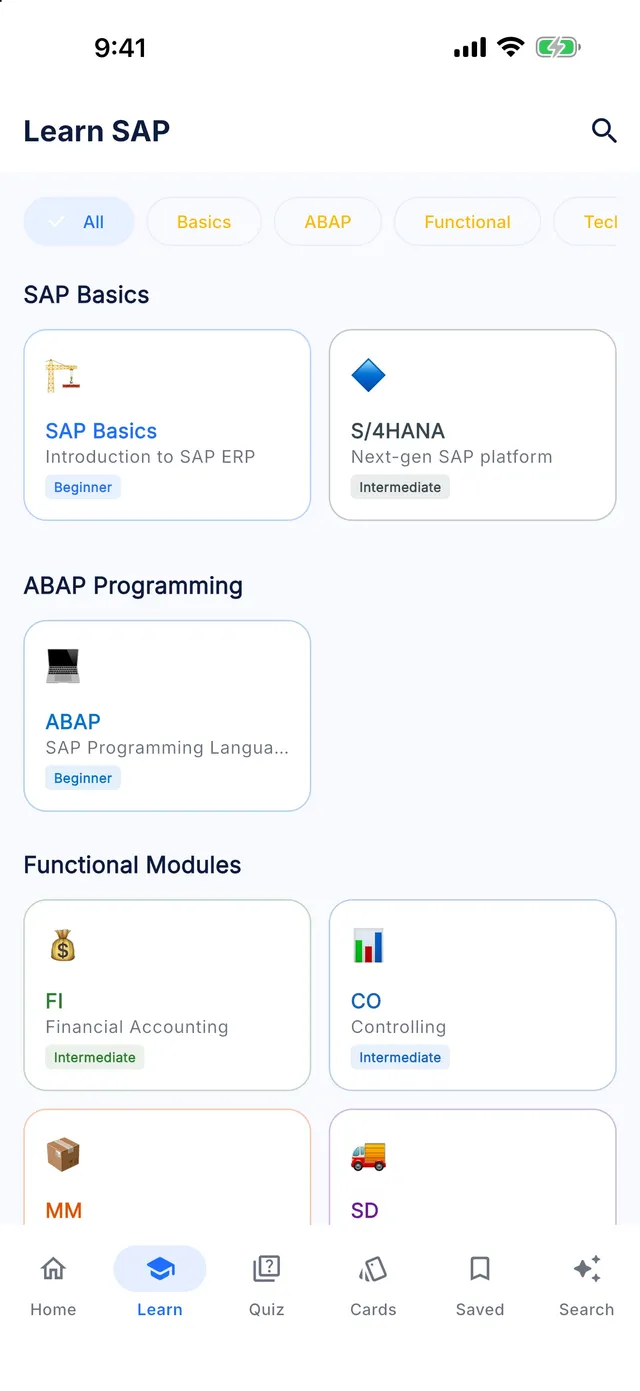
Learn SAP PP offline
Master SAP Production Planning — from BOMs, Work Centers, and Routings to Demand Management, MRP Live, and Production Order execution.
- 35 lessons
- 15 chapters
- 5 levels
- ~5 h of study
- 175 quiz questions
- 105 interview questions
Syllabus
What you will learn in SAP PP
01Master Data - Material Master & BOM
- Production Material Master Views
- Bill of Material (BOM) Configuration
- Engineering Change Management for BOMs
02Master Data - Work Centers
- Work Center Configuration & Costing
- Work Center Capacity & Integration
03Master Data - Routings
- Routing Configuration & Operation Steps
- Standard Value Key Settings
04Production Versions
- Production Version Generation
- Production Version Configuration Rules
05Demand Management
- Planned Independent Requirements (PIR)
- Planning Strategies & Strategy Groups
- Make-to-Order & Variant Configuration Basics
06Material Requirements Planning (MRP)
- MRP Run Types & Parameters
- MRP Live Configuration S/4HANA
- MRP Areas
07MRP Evaluation & Exception Handling
- MRP Controller Workplaces MD04
- Planning Results Evaluation
08Capacity Planning
- Capacity Evaluation & Leveling
- Capacity Overload Resolution
09Production Orders Creation
- Production Order Processing CO01
- Order Types & Profiles Configuration
10Shop Floor Control
- Production Order Release & Printing
- Material Staging & Pull Lists
11Production Order Confirmations
- Production Confirmation Processing CO11N
- Confirmation Profiles Configuration
12Goods Movements in Production
- Backflushing & Goods Issue
- Goods Receipt of Production Outputs
- Production Order Settlement & Variances
13Repetitive Manufacturing (REM)
- REM Master Data & Planning Table
- REM Backflushing Cycles
14Process Manufacturing (PP-PI)
- PP-PI Master Recipes & Resources
- Process Order Execution
15PP Reporting & S/4HANA Changes
- PP Reporting & Order Analytics
- S/4HANA PP Changes & Migrations
- Embedded PP/DS in S/4HANA
Free sample
Try a lesson: Production Material Master Views
Maintain the MRP 1–4 and Work Scheduling views of a material so that MRP plans it correctly and production orders are created and scheduled as intended.
You will be able to
- Identify the plant-level material master views that production planning reads and the key fields on each
- Set MRP type, lot size, procurement type and planning times so that MRP creates the right proposals
- Explain how the strategy group, availability check and selection method on MRP 3 and MRP 4 influence planning
- Configure the Work Scheduling view fields that control production orders, tolerances and backflushing
Key concepts
- MRP type
- The MARC setting that decides whether and how a material is planned, for example deterministic MRP (PD), reorder point planning (VB) or no planning (ND).
- Procurement type
- The MRP 2 setting that tells MRP whether to create planned orders for in-house production, purchase requisitions for external procurement, or both.
- Scheduling margin key
- A plant-specific key that adds float before and after production and defines the opening period in which planned orders should be converted.
Real business example
A furniture maker introduced a new range of office chairs in plant 1100. After the first MRP run, planners found purchase requisitions for the finished chairs instead of planned orders, and the planned orders for seat assemblies started only one day before the chair was needed, leaving no time for upholstery.
The chairs had been copied from a purchased trading good, so MRP 2 still showed procurement type F. The planner changed it to E and set the production storage location. The seat assemblies had no in-house production time and a scheduling margin key without float before production. Setting a realistic in-house production time and a key with two days of float moved the planned orders into a workable window, which MD04 confirmed after the next run.
Quick quiz
Which procurement type must a finished product have so that MRP creates planned orders for in-house production?
Show answer
B. E
Procurement type E means in-house production, so MRP proposes planned orders. F means external procurement and leads to purchase requisitions. ND is an MRP type, not a procurement type, and 50 is a special procurement key for phantom assemblies.
Interview question
Which material master fields are most important for production planning, and why?
Show model answer
On MRP 1, the MRP type decides whether the material is planned at all, the MRP controller assigns responsibility, and the lot-sizing procedure determines order quantities. On MRP 2, the procurement type decides between planned orders and purchase requisitions, the special procurement key handles cases such as phantom assemblies or production in another plant, and the in-house production time with the scheduling margin key determines dates. On MRP 3, the strategy group defines make-to-stock or make-to-order behaviour, and the availability check group is used in sales and production. MRP 4 holds the selection method and production versions. On Work Scheduling, the scheduling profile and delivery tolerances control the production order.
That was 1 of 35 lessons. Get the rest in the app.
T-codes
Key SAP PP T-codes
SAP PP: common questions
How long does it take to learn SAP PP?
The SAP PP module in Learn SAP has 35 lessons totalling about 5 hours of reading. At two or three lessons a day, most learners finish it in four to eight weeks, plus time for hands-on practice in a real system.
Can a beginner learn SAP PP?
Yes. The module starts at beginner level and builds up over 5 levels (12 advanced, 10 intermediate, 8 expert, 5 beginner lessons). Each lesson explains the concept, shows a real business example and ends with a quiz.
Is the SAP PP course free?
The free version of Learn SAP includes the first half of the levels in every module, including SAP PP. Premium unlocks every level, the Interview and Certification Centers and the full T-code and table libraries.
Does the SAP PP module work offline?
Yes. Every lesson, quiz and reference table is stored on your phone, so you can study without an internet connection.
Keep going
More SAP modules
Learn SAP is an independent educational app. It is not affiliated with, endorsed by or sponsored by SAP SE, and it is not official SAP training. SAP, S/4HANA, Fiori, ABAP and other SAP product names are trademarks or registered trademarks of SAP SE in Germany and other countries.